













Hello, your privacy is important to us. Uniview websites use cookies to store info on your device and create the most secure and effective website . By continuing to use our websites, please accept the cookies could be stored on your device, which outlined our cookie policy and privacy policy .








_1036463_651984_0.png)











 X
X
 GLOBAL / ENGLISH


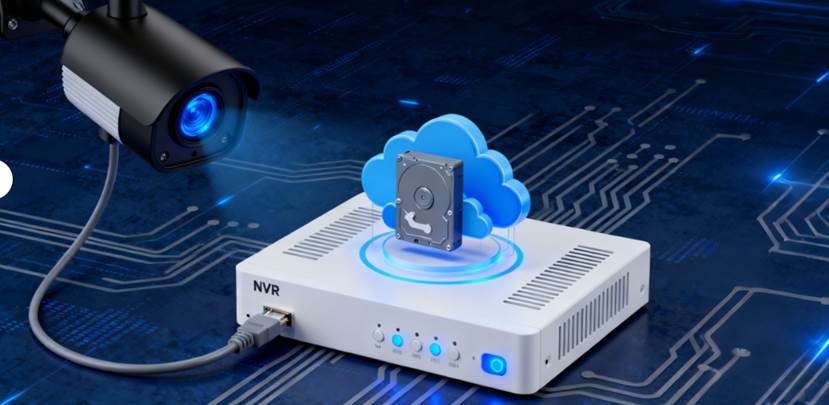
When configuring a video surveillance system, the recorded footage from IP cameras must be stored in a designated location, commonly referred to as IP camera storage. These cameras generate continuous video streams that can be retained either locally (on the device or an on-site recorder), across a network (such as a Network Video Recorder or NAS), or in cloud-based repositories. The selected storage methodology directly influences video quality, accessibility, retrieval efficiency, and retention duration.
Effective storage planning is essential to ensure the integrity, security, and availability of surveillance footage. Higher-resolution video and extended retention periods significantly increase storage capacity requirements. Inadequate planning may result in critical footage being overwritten, permanent data loss, or degraded system performance due to insufficient resources. Proper design and implementation of the storage infrastructure are therefore critical to maintaining a reliable and compliant surveillance system.
There are usually three main ways to store video from IP cameras:
Each option comes with its own advantages and drawbacks, and picking the best one relies on what you need for your situation.
A few things shape how much storage you will require and which kind fits your arrangement best.
First, look at the resolution and frame rate of your cameras. Higher resolutions such as 4K create bigger files, particularly when combined with fast frame rates. If you use top models like those with big 1/1.8" sensors and F1.0 aperture lenses, you get great sharpness—yet that sharpness means larger data amounts.
Then there is the video retention period—the length of time you wish to store recordings before they get replaced or moved elsewhere. Companies might need weeks or months of kept footage to meet rules, while people at home may just want a few days.
The number of cameras also plays a big part in storage size. One camera at 1080p does not push your system hard, but ten or twenty cameras running all the time at 4K demand strong setup.
Last, consider if you record continuously or based on motion detection. Recording only when motion happens cuts down storage a lot by saving footage just for real events. This works well for folks at home who aim to save space yet keep their place secure.
If you seek a small and cheap fix, local storage with microSD cards can serve as a solid start. Many current IP cameras handle internal memory cards up to 512 GB. These suit small systems or as extra safety if the network drops out.
Still, there are downsides. SD cards face limits on how many times they can write data and tend to wear out over years. They can also get taken or broken, which is a worry in spots where theft happens often.
Forbiggerarrangementsorsystemswithmanycameras,centralstorageprovides diverse options and enhanced stability. NVR (Network Video Recorder) and IPSAN (IP Storage Area Network) are two leading technologies, each with unique strengths.
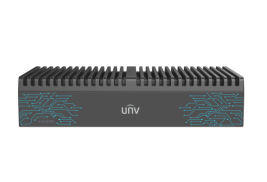
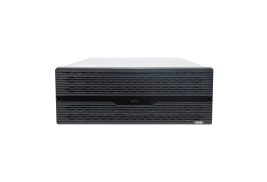
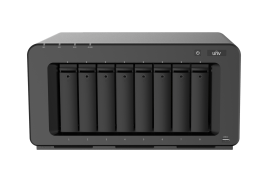
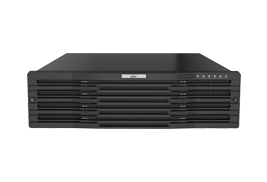
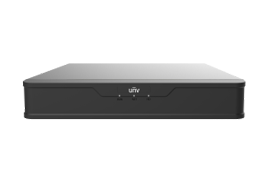
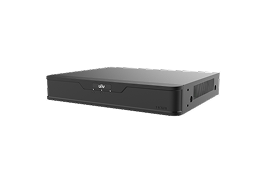
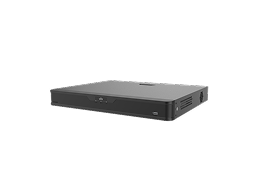
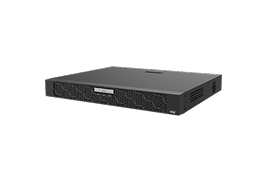
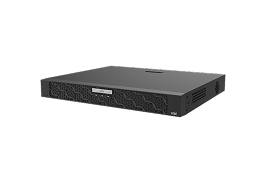
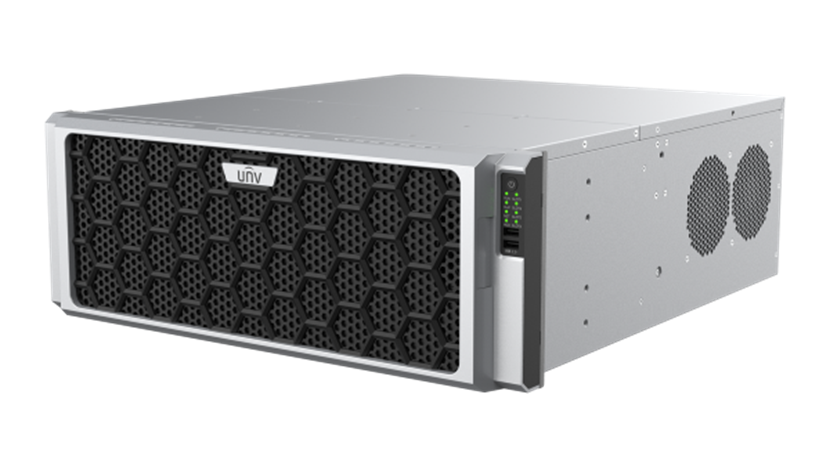
NVR streams video from cameras to a core unit for storage and remote management. The Pro series NVRs offer large recording capacity, enterprise reliability, RAID protection, and easy search.
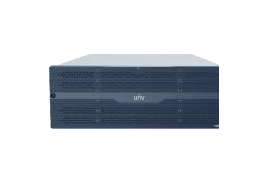
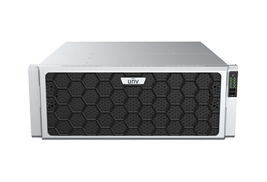
IPSAN, an IP-based solution integrating block and file storage, outperforms NVR in capacity, scalability, and data sharing. It supports massive camera access and efficient data use, with RAID for security. Combining IPSAN with Pro series NVRs creates a robust surveillance storage system for multi-site, reliable data protection.
Cloud storage brings top ease if getting to data from afar matters most to you. As long as you connect to the internet, you can check live views or saved clips from any place using your phone or computer.
Many services include auto backups, so the data stays secure even if local gear fails. During troubles like fires or break-ins, off-site copies prove very helpful.
That said, cloud options often mean ongoing monthly costs and rely much on your upload speed. High-definition streams use lots of data, which might bog down your network if not handled right.
For users at home, the aim is often calm assurance without too much hassle. A mixed method suits here—put SD cards in each camera for on-site backup and link them to a compact NVR for main watching.
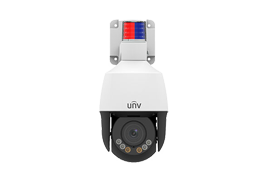
Adding motion detection cuts storage use by keeping only useful footage. Some PTZ models have smart following that makes sure just real events get saved, trimming extra data.
Shop owners and office heads usually want steady watch over areas like entrances, storage rooms, and lots. A trusty fix is to place several IP cameras tied to a main NVR with RAID setup.
The Pro series not only supports massive IP camera access and longer storage time, which is vital when overseeing different areas across spots. Smart search tools let workers review issues quick without hours of viewing.
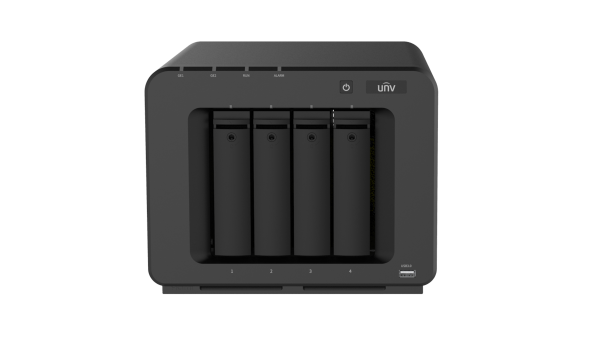
Largeplaceslikefactories or campuses with wide surveillance needs and zero tolerance for downtime, IPSAN is a superior storage choice, independent of NVRs.
It scales easily, supporting multiple drives and up to 9 external cabinets per host. When storage is low, just add drives. High-performance models handle up to 48 HDDs, meeting large-scale recording and storage demands.
IPSAN also supports 512 cameras simultaneously, cutting equipment and saving space.
Integrated with video software, it offers smooth camera control and role-based access, boosting surveillance security.
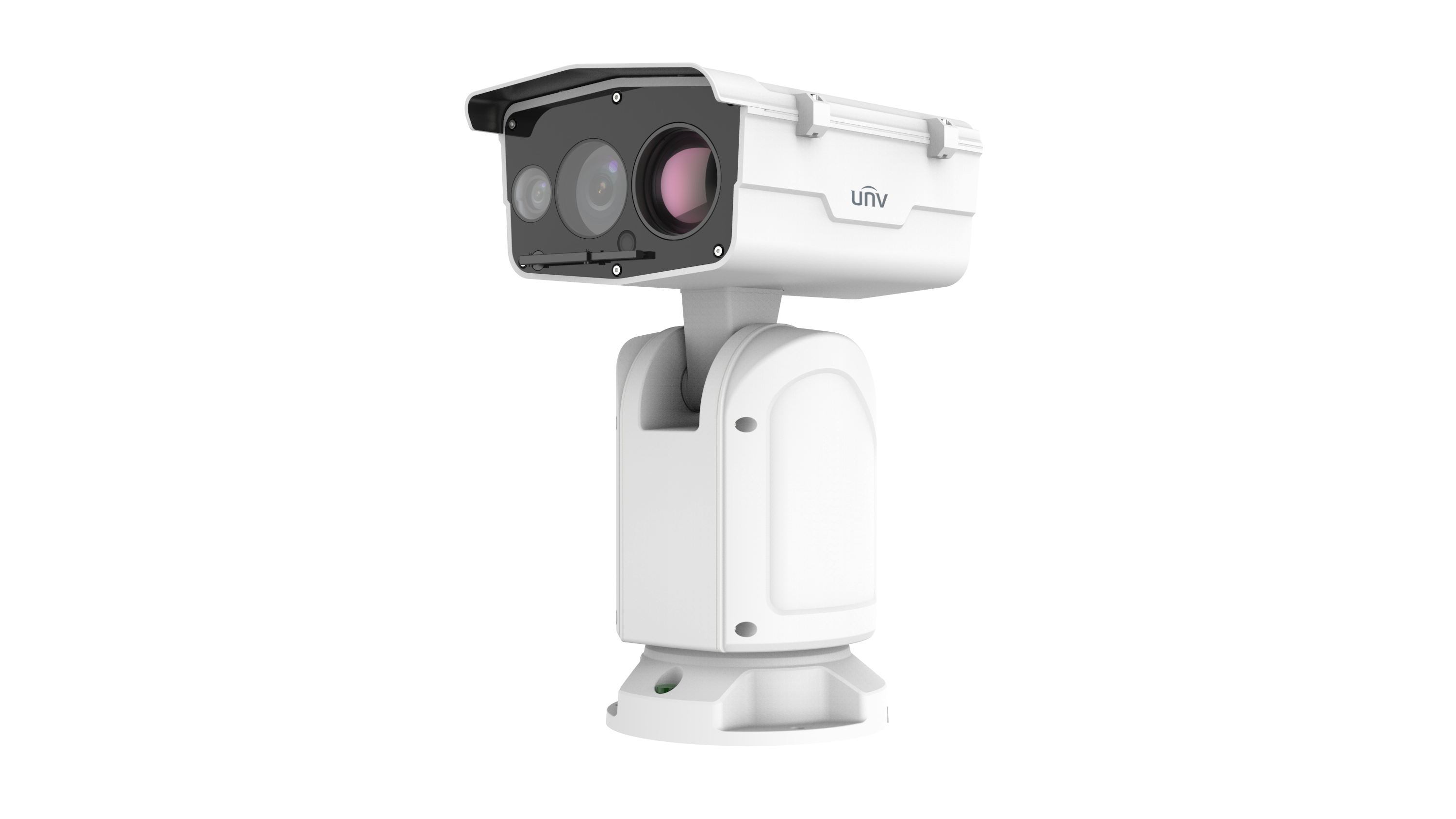
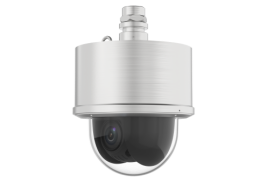
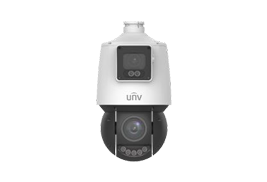
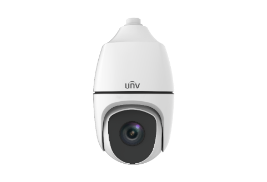
PTZ (pan-tilt-zoom) cameras offer more than wider views—they help cut unneeded recordings.
With clever tracking, these cameras watch movement on their own, letting you catch main events without saving hours of nothing.
Recording triggered by events—like motion or line crossing—makes sure you store only what counts. This shines in quiet areas with strong security demands.
One plus is compression tech. Ultra 265, H.265, H.264 encoding keeps picture quality high while shrinking file sizes a good deal.
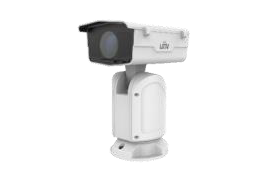
Explore Pro Series PTZ Cameras to gain from options like optical defogging and strong zoom made for hard spots.
To get smooth work between cameras and recorders, match their specs with care. If you use 4K cameras, confirm your NVR manages the data flow needed for even recording and viewing.
Steady data flow rests much on your network base. Pick PoE switches that fit your speed needs and use cables at least CAT6 standard. Keeping your watch network apart from regular traffic boosts steady work.
Updating your system often is key for both work and safety. Routine firmware updates add fresh features and fix weak points fast.
Set up strong backup plans:
Modern storage tech enables ongoing care and auto fixes, which eases tasks for IT groups.
If you are new to picking camera-storage pairs or not sure how to grow a current system, think about help from firms that focus on full surveillance fixes.
Uniview gives pro advice on product choice based on your site's plan and daily needs. Their worldwide team aids from setup planning to post-sale care—including firmware updates and tech fix channels.
With reach in over 200 countries and local teams in 70+ areas around the world, you get quick service no matter where you are.
Q: How much storage do I need for my IP camera system?
A: It depends on resolution, frame rate, number of cameras, and retention period. For example, 10 cameras recording continuously at 1080p for 30 days could require several terabytes of space.
Q: Can I mix local SD card storage with NVRs?
A: Yes. Local storage acts as backup if the network fails, while NVRs provide centralized control and longer retention capabilities.
Q: Is cloud storage a good alternative to NVRs?
A: Cloud storage offers remote accessibility and disaster recovery but may involve monthly fees and bandwidth limitations depending on your internet connection.